Folder-First Control
Keep every BIN, span, document, observation, and photo where the project team expects it.
RevoInspect replaces the camera-and-clipboard routine with one field-to-report workspace. Capture findings on a phone or tablet, keep every record organized, and deliver or export the complete inspection without rebuilding it later.
Illustrative project workspace
NY-123-456 · Test Bridge
Project folders
Field finding
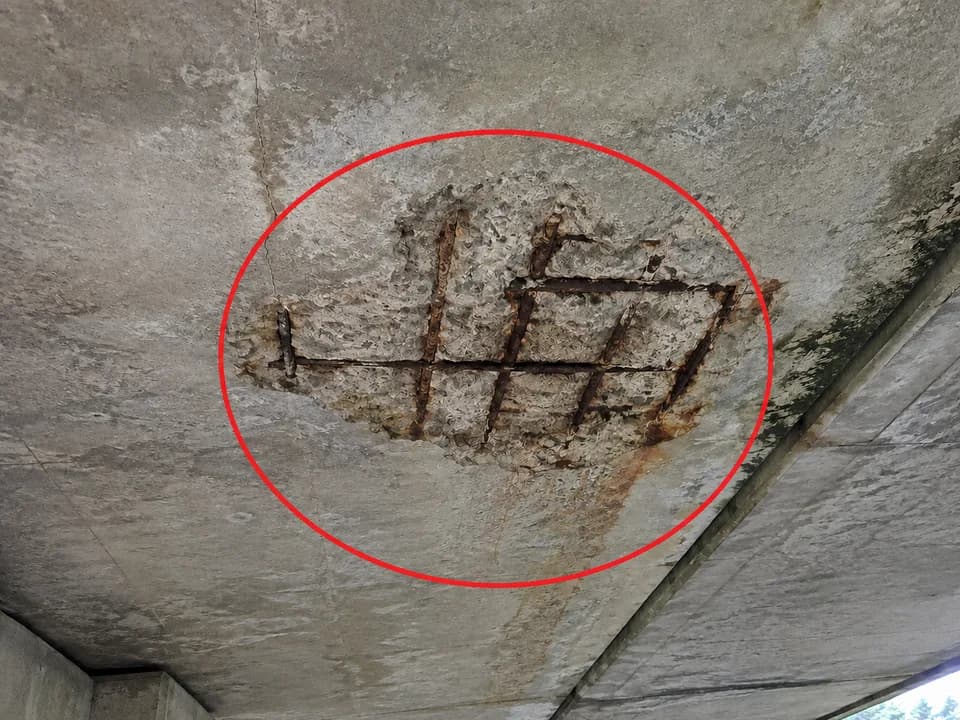
Spalled concrete at east fascia
Span 2 · Deck · Team 1 · Photo evidence linked
Field note
Spall with exposed, corroded rebar. Sound and map limits.
Span 2 · East fascia
03
Observations
12
Photos
00
Sync issues
One Source
Field notes through final review
Online + Offline
The same structured workflow
Project-Wide Order
Photos, teams, and audit history
See how a finding becomes a connected record—with photos, field notes, and reports in one workspace.
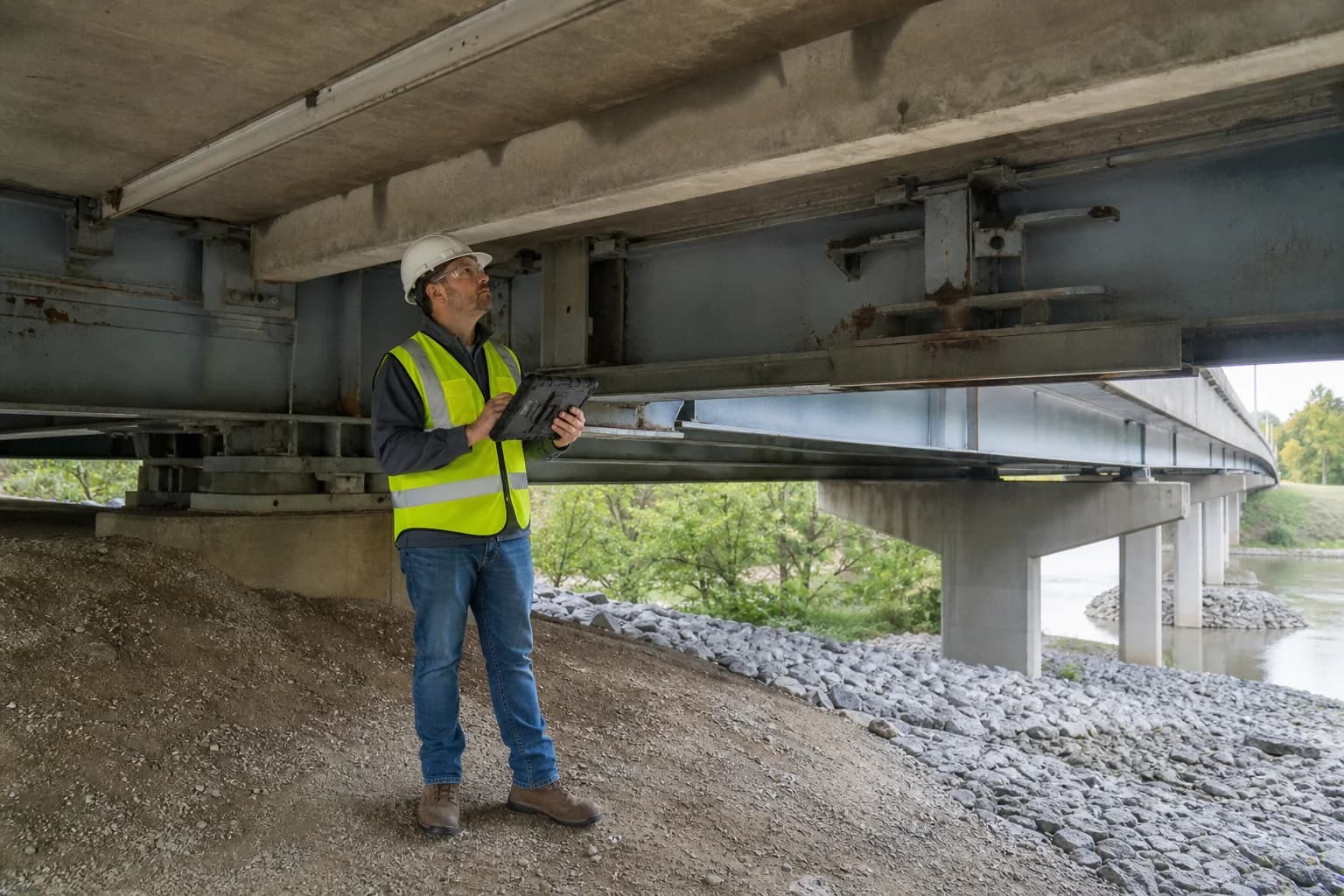
Field inspection · One connected record
Capture the work once. Keep its context intact.
From camera and clipboard to connected fieldwork
RevoInspect replaces disconnected digital cameras, handwritten field notes, manual scanning, and scattered server uploads with one complete inspection platform. From a phone or tablet, inspectors can capture photos, document findings, annotate evidence, and keep every record tied to the correct project, area, and responsible person.
The disconnected routine
Digital Camera → Paper Notes → Scan → Rename → Upload
The RevoInspect workflow
Capture → Organize → Review → Report → Export
Turn the observations, photos, notes, and reviews already collected into organized project records and professional reports.
Download authorized photos, documents, and generated reports while your workspace is active. Export needed records before service ends.
One Platform · Three Inspection Paths
Choose the project setup that matches the work. RevoInspect keeps the same organized field-to-report workflow while adapting the project structure to the inspection type.
01
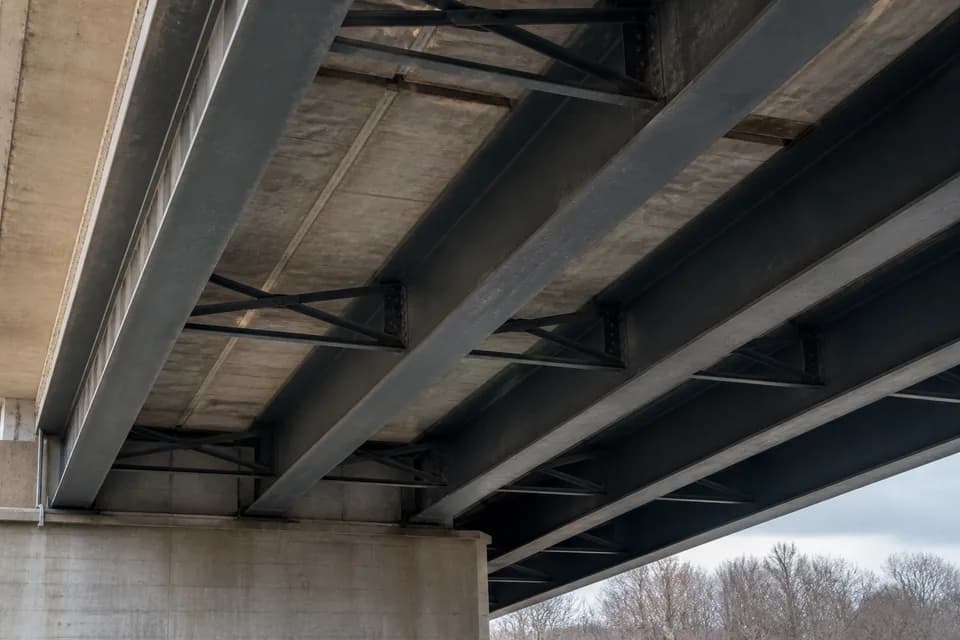
Organize work by bridge or BIN, span, deck, superstructure, substructure, and bridge-wide areas.
02
Document exterior and interior conditions by building, floor, area, component, and location.
03
Create a flexible inspection workspace for assets or field programs that do not follow a bridge or building structure.
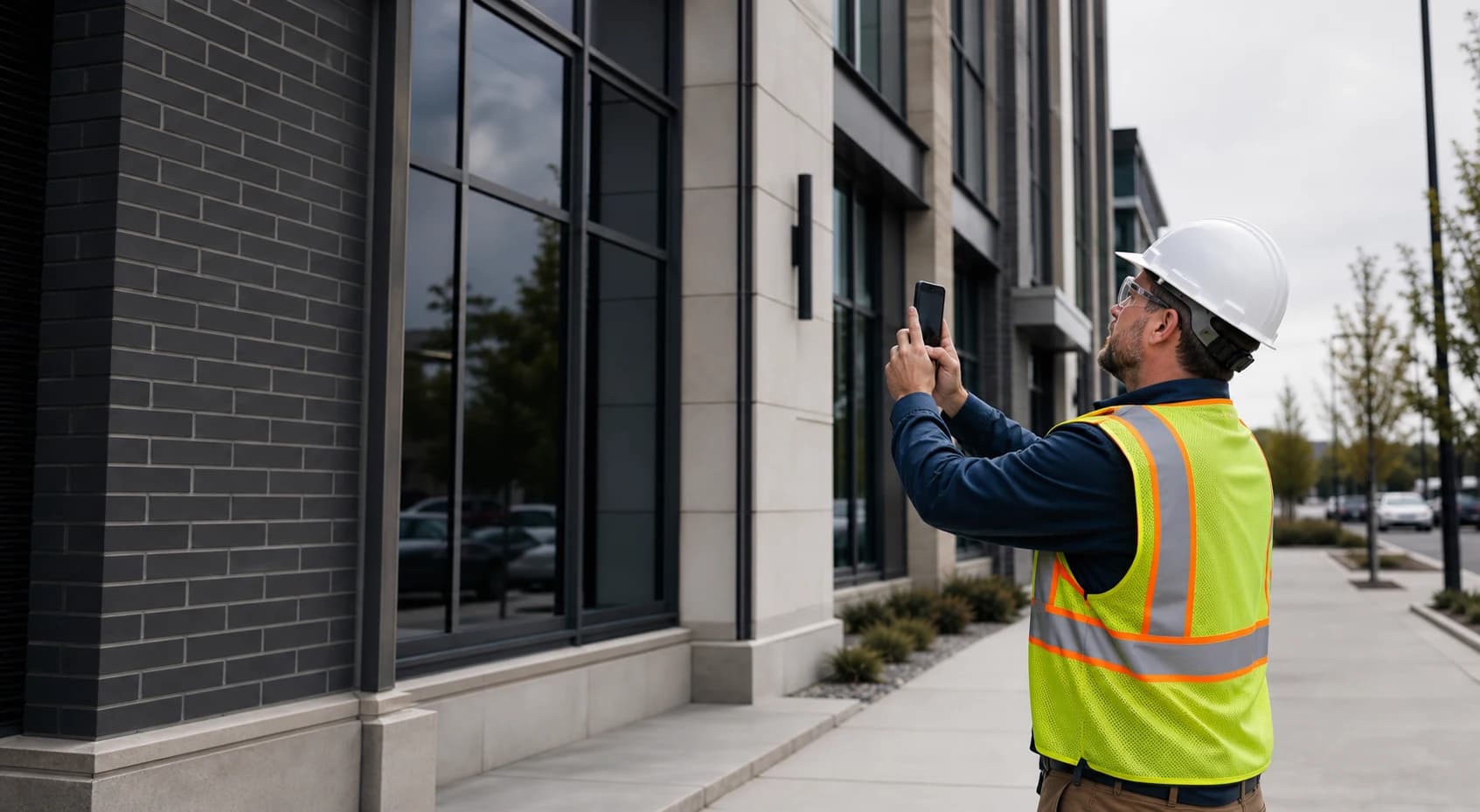
Building Inspection
Collect conditions where the work happens.
A complete field record
Every record keeps its project, location, responsible team, author, photos, revisions, and review history connected. The report becomes an output of the work—not a separate hunt for information.
01
Set up projects, BINs, spans, folders, teams, and schedules before field activity begins.
02
Create observations, assign multiple photos, annotate conditions, and record daily context—even offline.
03
Route QA/QC comments to the responsible inspection team without blurring accountability.
04
Produce photo logs, daily field reports, schedules, and project records from the same source.
Core capabilities
Keep every BIN, span, document, observation, and photo where the project team expects it.
Stamp, number, annotate, filter, assign, and export field photos without breaking their context.
Prepare assigned work, document findings without service, and synchronize when connectivity returns.
Separate team ownership, daily assignments, project access, and role permissions across the same job.
Keep review comments, replies, revisions, responsible teams, and outcomes together.
Turn current project information into consistent PDF reports without rebuilding the story by hand.
Connection optional. Record integrity required.
Prepare assigned projects while connected, unlock the encrypted field package with a device PIN, capture core field records offline, then synchronize when service returns.
Read about security and reliabilityPrepared records stay protected behind a device-specific offline PIN.
Draft observations and linked photos wait safely in the device outbox.
Observations synchronize before their dependent photos and annotations.
Teams can see what is saved, waiting, failed, conflicting, or synchronized.
Built for accountable teams
Document findings and evidence without excessive forms.
Coordinate assigned work and respond to team-owned comments.
Review submitted observations with a preserved decision trail.
Control project structure, access, schedules, and deliverables.
Workspace pricing · USD
Every workspace requires at least 3 seats and includes 10 GB of storage. Each seat gives one team member access. Choose monthly or annual billing; applicable taxes and optional storage are additional.
3-seat minimum required · Add more seats as your team grows
$45 per seat / month
3-seat workspace: $135/month
Billed monthly. $1,620 total over 12 monthly payments for 3 seats.
Renews automatically until canceled.
$420 per seat / year
3-seat workspace: $1,260/year
Billed annually upfront. Equivalent to $35 per seat/month ($105/month for 3 seats), not monthly installments.
Save $360 per year for 3 seats compared with monthly billing.
Renews automatically until canceled.
Exactly 3 seats and a payment method are required. Cancel before the trial ends to avoid the first seat-subscription charge. More than 3 seats start paid billing; adding seats above 3 can end the trial early. Paid storage can be billed during a trial.
25 GB for $5/month · 100 GB for $12/month · 500 GB for $49/month · 1 TB for $99/month. Storage units are decimal. Add-ons are billed separately.
Checkout shows your final total and billing dates before confirmation. After paid billing starts, cancellation takes effect at the paid-period end. Seat reductions apply at renewal; voluntary cancellations do not automatically create refunds. Review the Terms or billing FAQ for details.
Ready to organize the field record?